Add a photo of your pet, yourself or a character, or describe one, and pick a style. Your first animated sticker is ready in about twenty seconds.
the same one, words on
2
Stick on more moods
Pick the moods to stick on around it, such as love, crying or sleepy, or write one of your own. Each mood gets its words, such as “Love you” or “Sob”, unless you turn them off. Each one is drawn from your main sticker, so the character stays the same, and you can keep adding.
download GIFs
3
Download the GIFs
Every sticker is saved in My Assets. Download each one as a transparent GIF, or the whole set as a ZIP for your chats.
What people make animated sticker packs for
the one in the photo
A sticker pack of your own pet
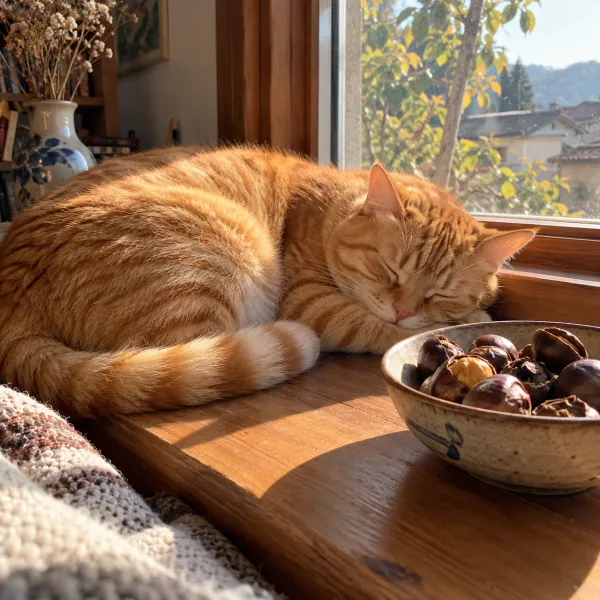
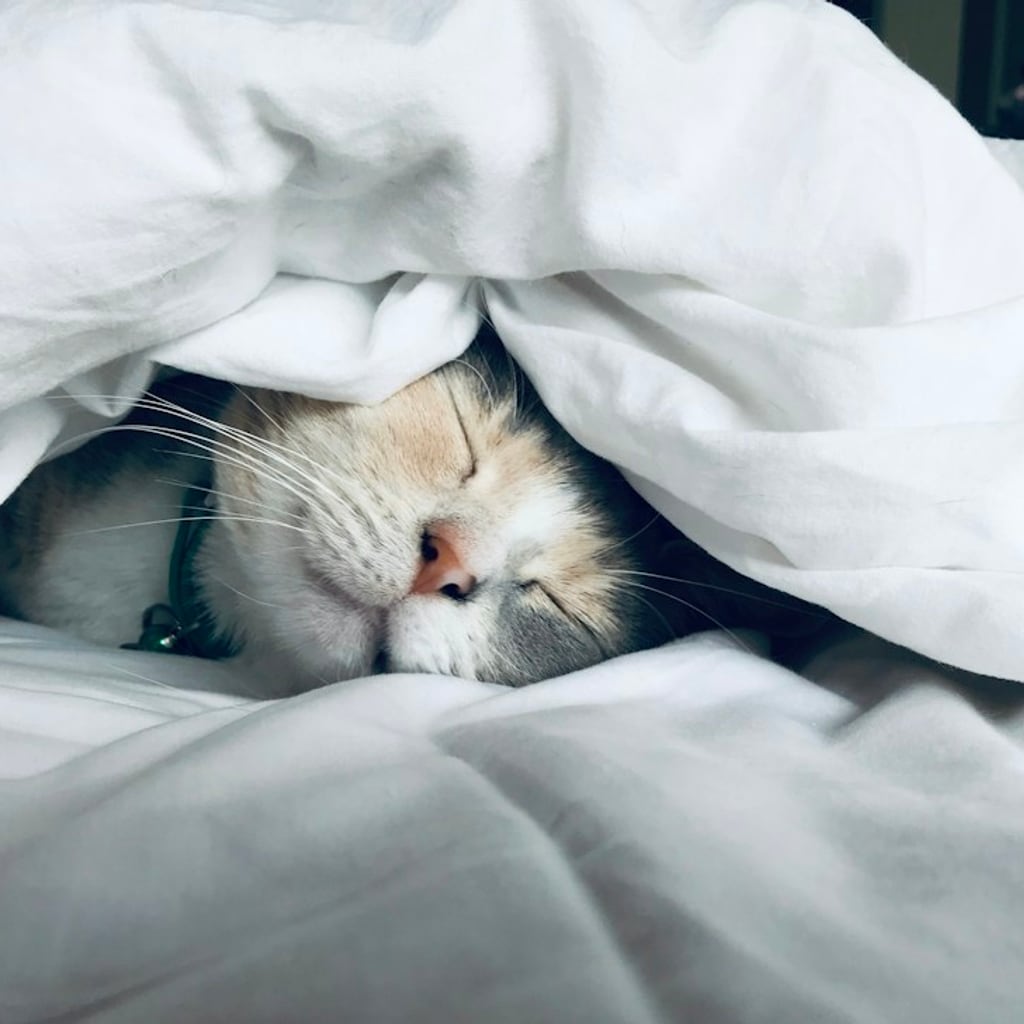
Start from one clear photo of your cat or dog. The first sticker turns it into a drawn character with a white die-cut border, in the style you picked, and the rest of the set keeps the same markings, colours and outline while it waves, sends love, cries or falls asleep. Four moods cover most of what you say in a day, and every one of them is your pet instead of a stranger from a sticker store.
Saved as a GIF, sent in a chat
GIF stickers for your chats
Most chat apps, WeChat among them, take GIFs rather than animated WebP, so every sticker downloads as a GIF. The file has a see-through background and keeps the sticker’s white border, so it stays the shape of a sticker instead of a square picture. A matching set means one character answers for you in every mood, from a happy hello to a sleepy goodnight, and people can tell at a glance that it is yours.
A moving corner on a journal page
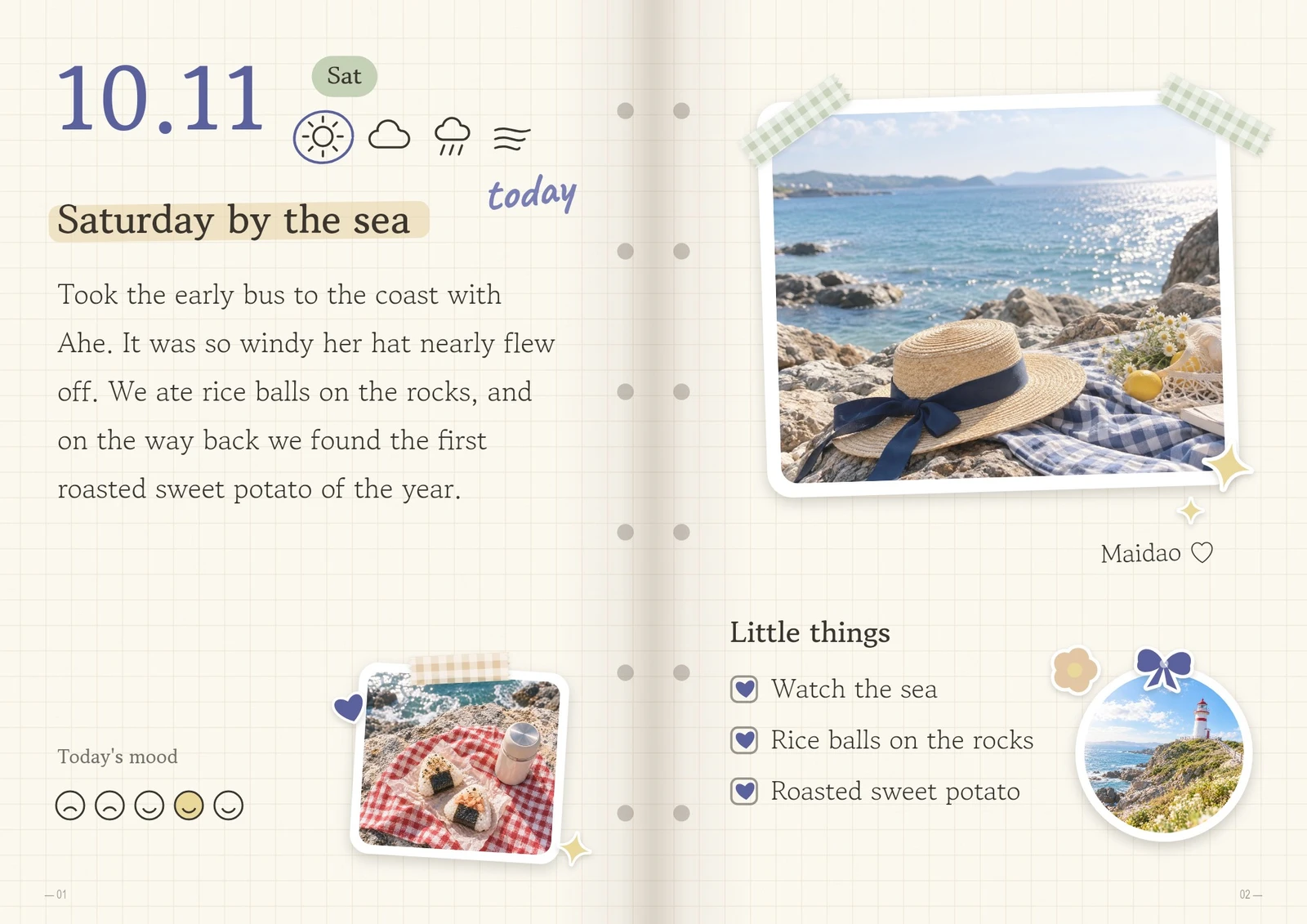
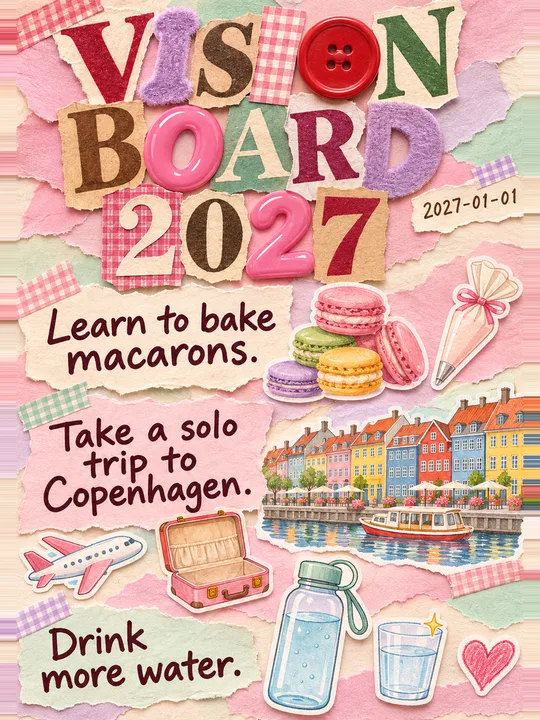
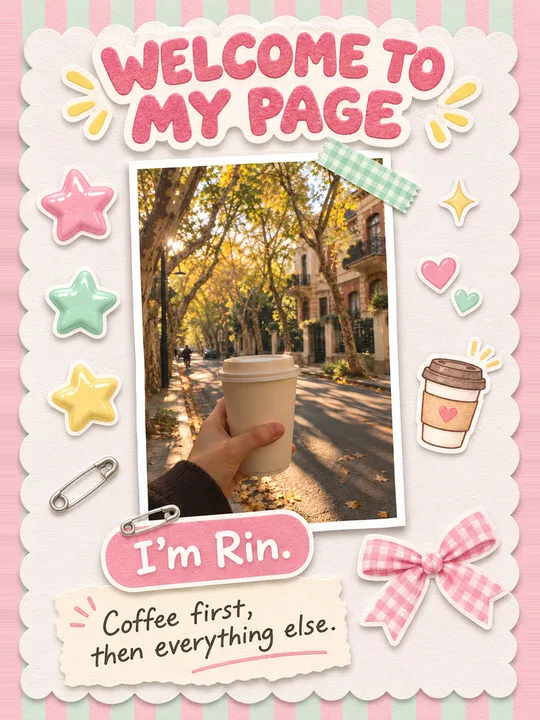
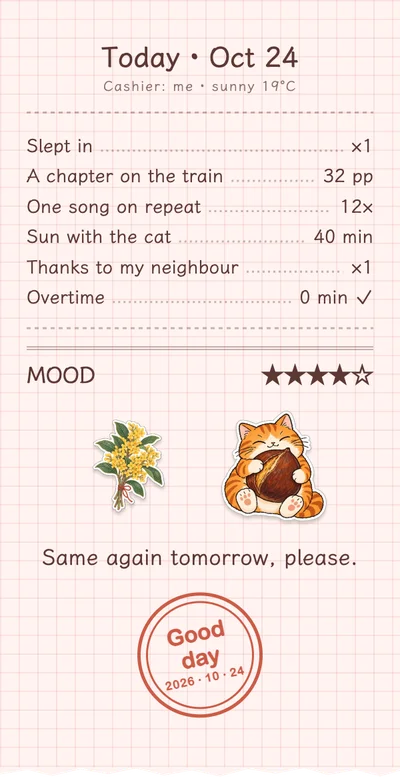
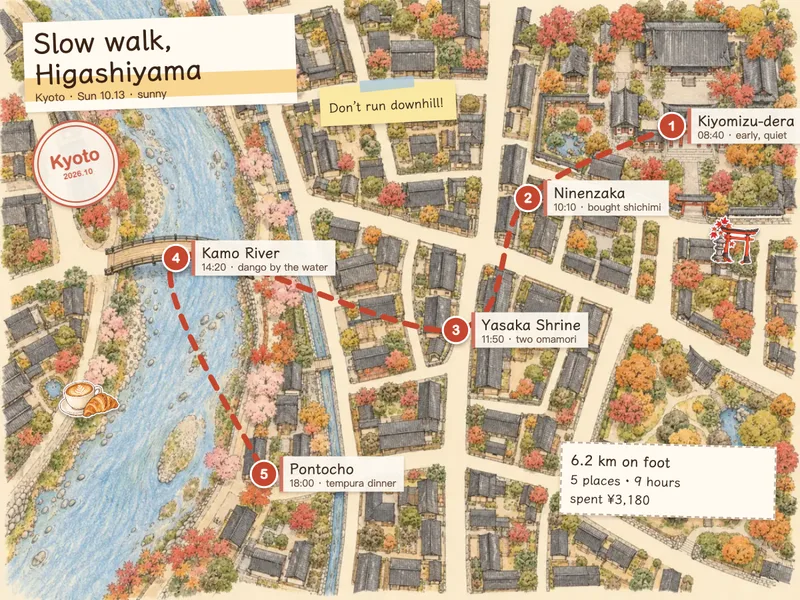
Animated stickers are kept in your account with your other stickers, so they go on a journal page like any of them. One small loop beside a day’s note is enough: your character yawning next to a line about a lazy Sunday, or sending love beside a photo of a friend. Use one or two per page, so the photos and words stay the thing people look at.
A little blue whale in big headphones, nodding to the beat
one subject, a simple outline
What makes a good first sticker
The first sticker decides the character, so take your time with it. One clear subject with a simple outline works best: a pet facing the camera, a face, a mascot you drew. Busy groups of tiny pieces are harder to keep the same across a set. If the first one is not quite right, redraw it before completing the set; the other three copy whatever it looks like.
Animated stickers are for members on Lite, Plus or Pro. Each sticker costs 16 credits: the first one, then 16 for each action that completes the set, shown on the button before you start. A sticker that fails is not charged, and the others in the set are kept. Still stickers are free in the regular sticker maker.
Why make one sticker first instead of the whole set at once?
The first sticker decides what your character looks like. Once you like it, the rest of the set is drawn from it, so all four match, and each one is a full twelve-frame animation rather than a small frame cut out of a grid. If the first is not right, redraw it before spending credits on the rest.
What file do I get?
Each animated sticker is saved in your account as an animated WebP and downloads as a GIF, which chat apps such as WeChat accept. The background is see-through and the sticker’s white die-cut border is kept. WhatsApp and Telegram take the GIF too, but often play it as a short video, so the background can come out solid; their sticker-pack formats are not exported yet. Each loop is about a second, twelve frames (eight for pixel art), and ends where it began.
Is this made with ChatGPT Images 2.6?
The stickers are drawn with OpenAI’s GPT Image 2.6 model (the fast Flare version), which OpenAI released through its API alongside ChatGPT Images 2.6. You do not need a ChatGPT account to use it here. Tapeleaf is not affiliated with OpenAI.
Should I use ChatGPT or this?
ChatGPT Images 2.6 can make a single GIF from a prompt. This maker is for a set: it keeps one character across all four stickers, gives every one a transparent background and a white die-cut border, and keeps them together to download as GIFs or a ZIP.
Can I make an animated sticker pack from a photo?
Yes. Add one JPEG, PNG or WebP photo, optionally describe the motion, and the first sticker is drawn from it; the rest of the set is drawn from that first sticker. The original photo is stored privately with your account.