




Tapeleaf

Digital journal appphotos and a line become a page

A digital journal that runs in your browser: add up to three photos and one sentence and the page below draws itself, with no account. Making, editing, saving and sharing are free, and a free account gets 60 AI credits a month for the parts the AI does.

Photos and a line

Today’s prompt

What is one thing you want to remember about today?

Your photos1–3 photos · processed in your browser
Layout

Your photo journal preview

Preparing your preview…

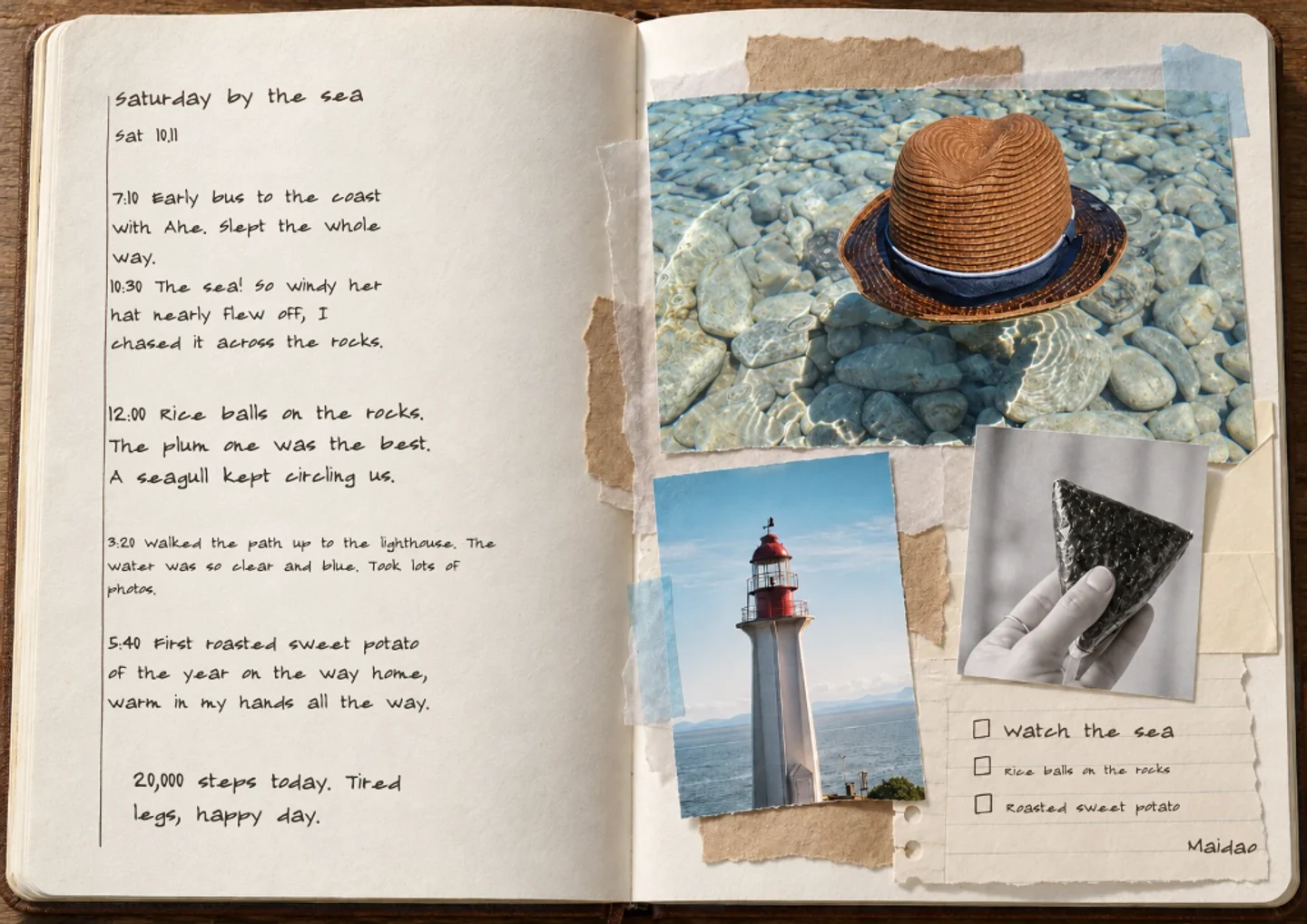
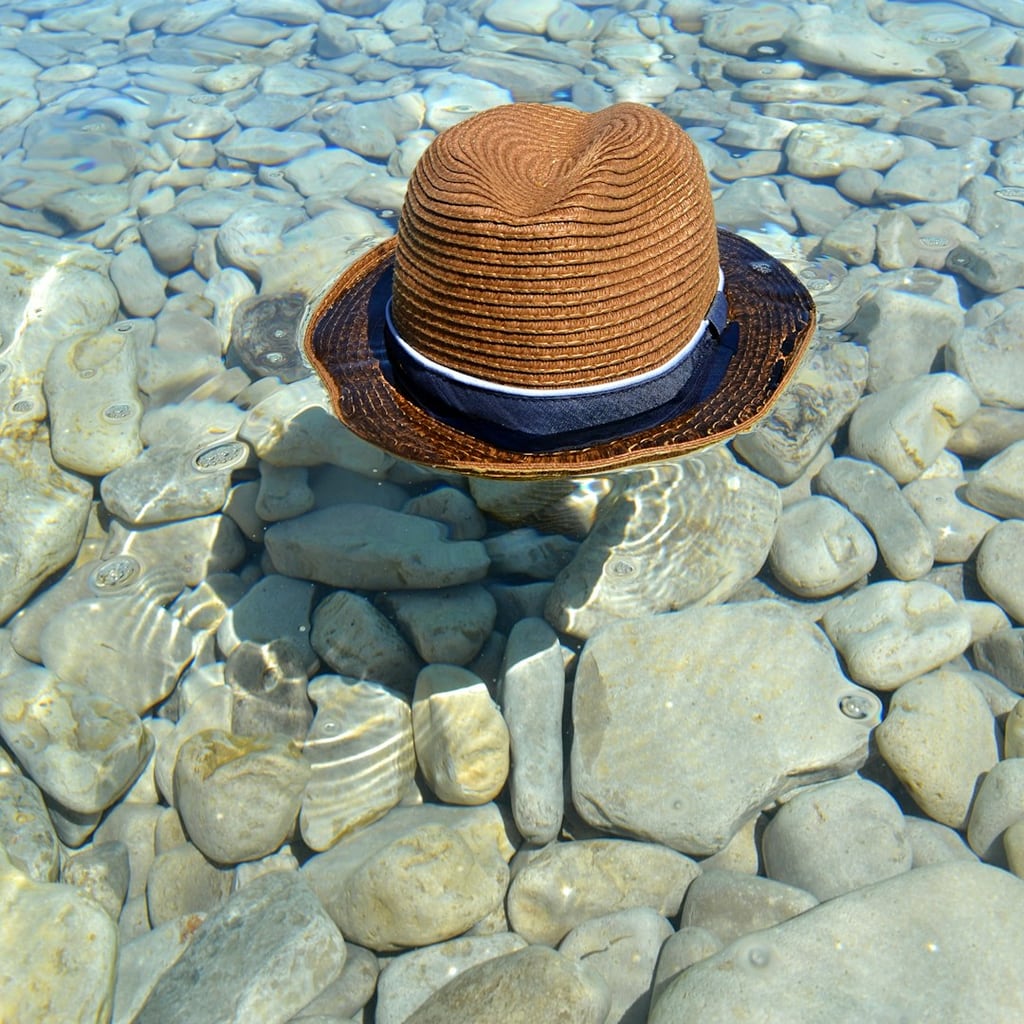
A little sea air, a good coffee, and time to notice the small things.

Preparing your preview…
Continue in editor

Automatic book layout uses AI credits in the editor. The free account plan includes 60 credits per month.

  • No account needed to make and download
  • Your photos stay private unless you share them
  • 60 free credits a month, refunded if a try fails

Try an example

How it works

  1. 1

    Add photos and a line

    Up to three photos and a sentence about the day, or keep the sample to see how a page looks.

  2. 2

    Choose a daily or weekly page

    The preview redraws as you choose. Swap the writing prompt if it does not fit your day.

  3. 3

    Download or keep going

    Download the page as a PNG, or continue in the editor and save it to your journal.

Ways to keep a digital journal

A daily page that takes two minutes

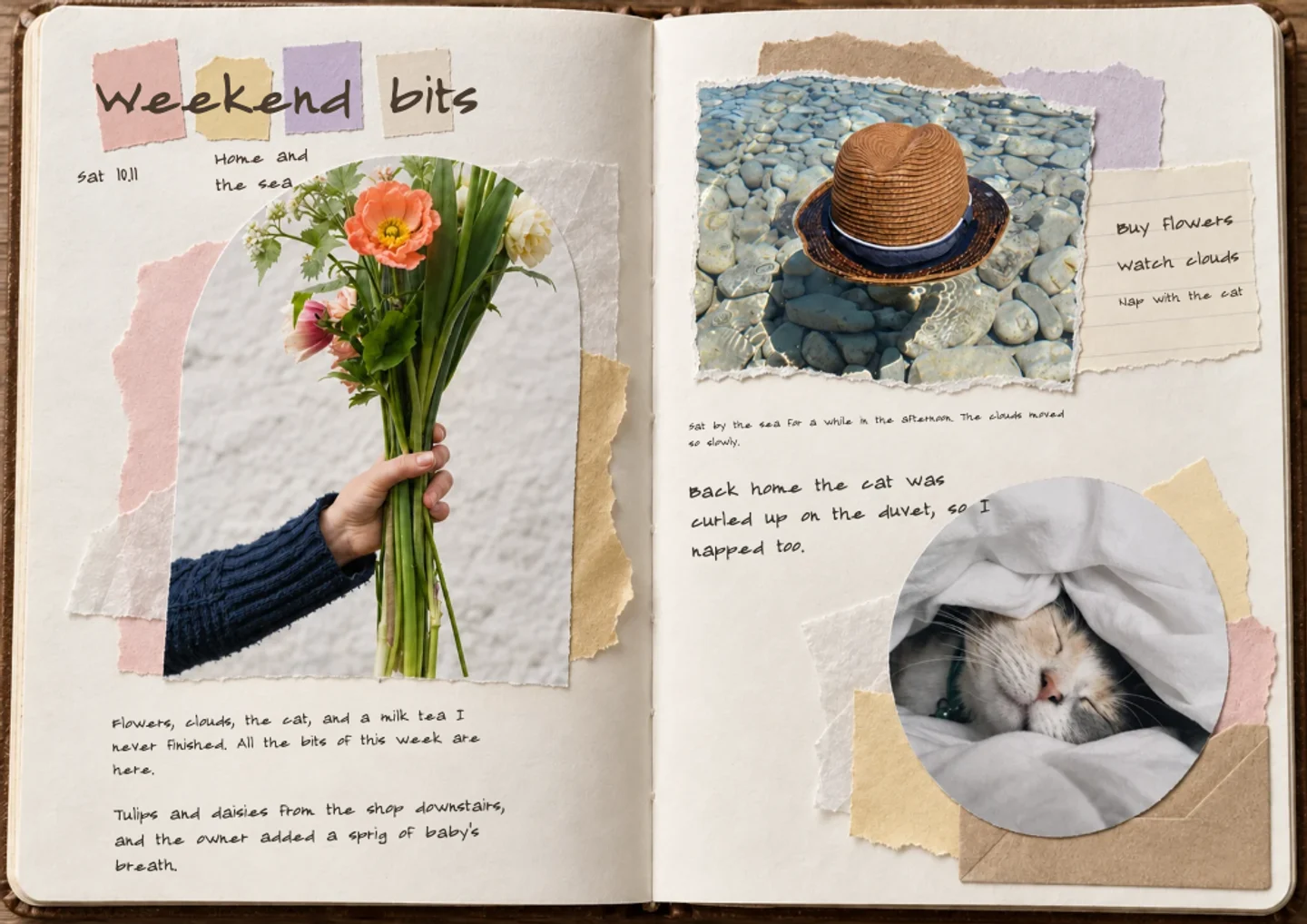
Take one photo during the day and write a single sentence that evening. A digital journal works best when the page is small enough to finish on a phone while the kettle boils. The daily layout puts the date, the photo and your line together, so a week of pages already looks like a journal. If you miss a day, skip it; nothing is lost and nothing is overdue.
A journal for a trip you are still on

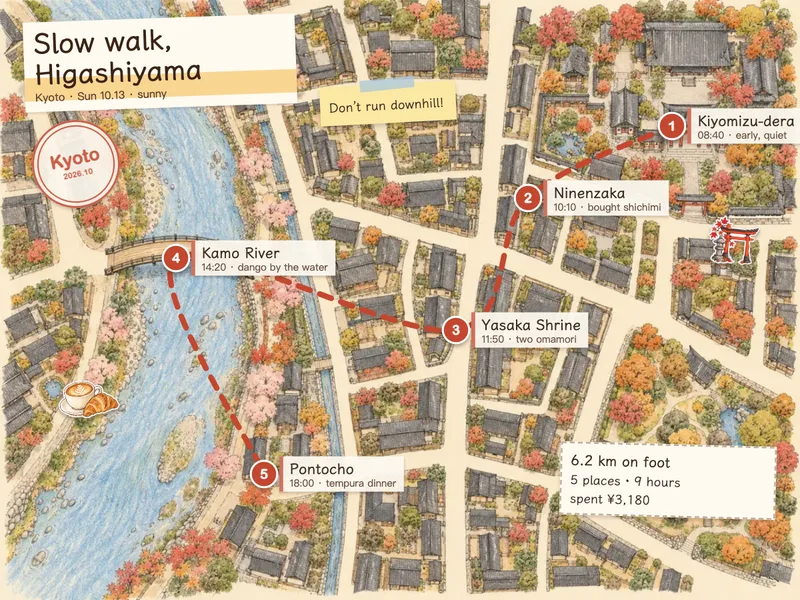
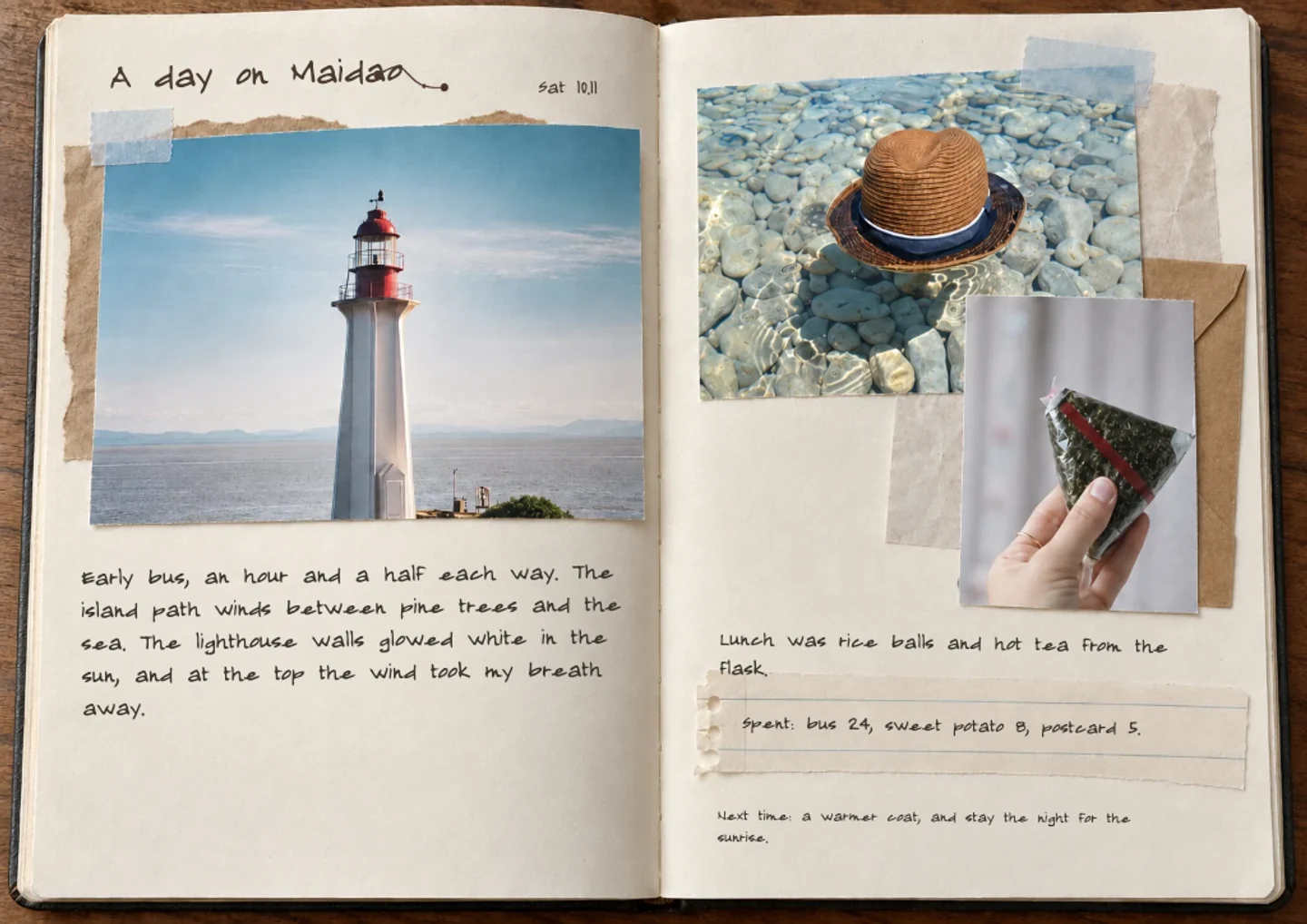
Add a page each evening from the photos you took that day. Because the page is made in the browser, you can do it on the train or in the hotel without installing anything. Write where you ate, what surprised you and who you talked to. At the end of the trip you already have a travel journal, not a camera roll to sort through.

A private journal for one year

Pages are private by default, so a digital journal can hold the things you would not post. Keep one page a week for a year and you end with fifty-odd pages you can scroll in order. Export any page as an image to keep a copy outside the site, or turn the whole journal into a short video.

Moving a paper journal online

If you already keep a paper journal, photograph a page and use it as the photo, then type the entry beside it. You keep the handwriting and gain a copy that is kept in date order and cannot be lost with the notebook. Start with one old page to see whether you like the result.

Questions and answers

Is Tapeleaf a free digital journal app?

Making a page, editing it by hand, saving and sharing are free. AI features such as layout help, text drafts and stickers use credits, and a free account gets 60 credits every month. A paid membership gives a larger monthly allowance. If an AI step fails, the credits go back to your account.

Do I need to install anything?

No. Tapeleaf runs in your web browser on a phone, tablet or computer, so there is nothing to download to start.

Do I need an account?

Not to try it. You can make a page and download a PNG without logging in. A free account lets you save pages to your journal and come back to them later.

Are my entries private?

Yes. Pages are private by default and only become public if you choose to share one to the community. Nothing is posted for you.

What can I export?

Each page downloads as a PNG image, and a whole journal can be exported as one picture per page or as a short self-playing video. There is no PDF or print export.

Which languages does it support?

The site works in English, Chinese (Simplified and Traditional), Japanese, Korean, Spanish, French, German and Portuguese. You can switch language at the top of any page.

Write your first page, free

No card needed · 60 free credits a month

Start writing, free