
Free GoodNotes stickers
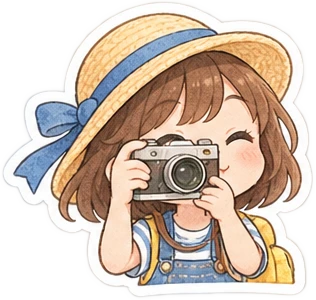
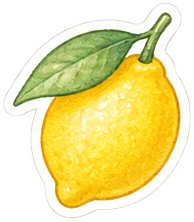
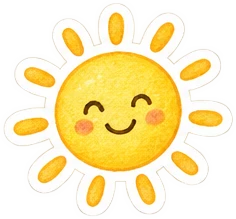
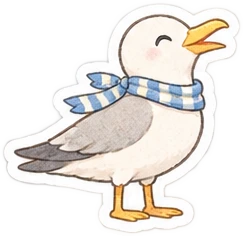
Five sets, each drawn to match. Every sticker is its own see-through PNG.
- Sign in to download
Seaside
46 stickers - Sign in to download
Island life
49 stickers - Sign in to download
Fan cheering
46 stickers - Sign in to download
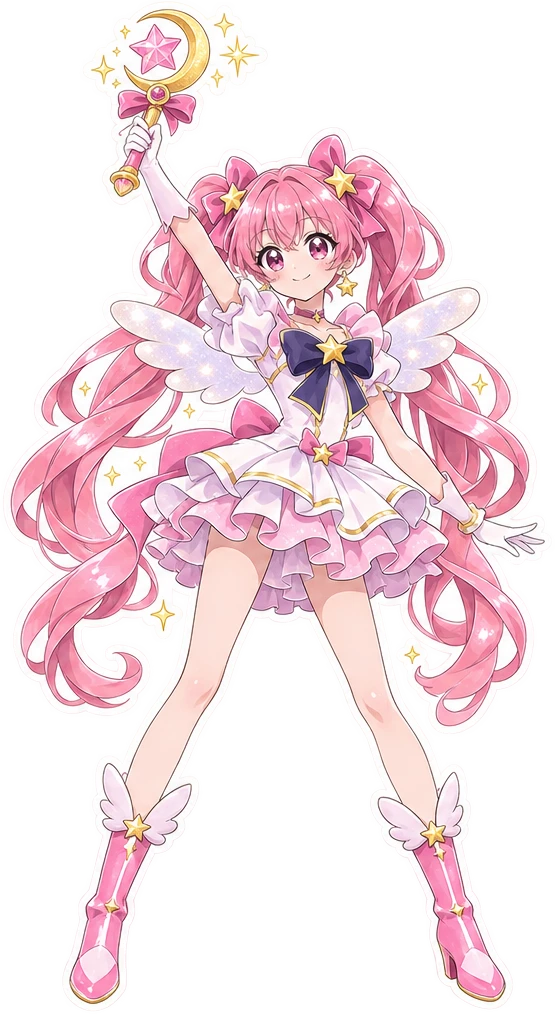
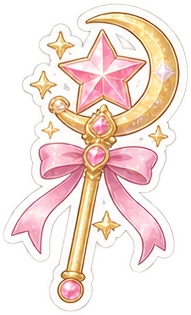
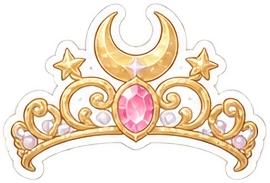
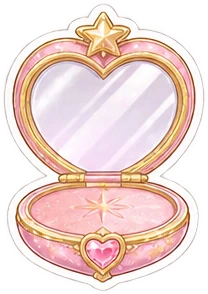
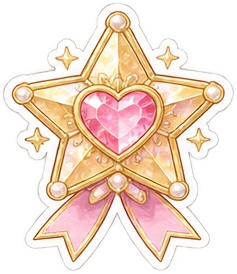
Magical girl
47 stickers - Sign in to download
Cozy winter
45 stickers












How to add them to GoodNotes
Download a pack
Sign in and download the zip. On an iPad, open it in Files and it unzips into a folder of PNGs.
Add them to GoodNotes
In GoodNotes, insert a sticker as an image from Files or Photos, or add the whole folder to your stickers to keep them in one place.
Place them anywhere
Move, resize and turn each one. The edges are see-through, so they sit on any paper.
Questions
- Are these GoodNotes stickers free?
- Yes. Every pack is free with a free Tapeleaf account. The packs are made in your browser from our own stickers; nothing you download is uploaded.
- What file type are they?
- PNG with a see-through background, one file per sticker, in a zip. They work in GoodNotes, Notability, Noteshelf, Procreate and any app that takes pictures.
- Can I use them in other apps?
- Yes, in any planner, journal or notes app of your own. Please don’t sell them or share the files as a pack of your own.
- Who drew them?
- They are Tapeleaf’s own originals, drawn for our journal themes: seaside trips, island life, fan cheering, magical girls and a cozy winter.
- Can I make stickers of my own?
- Yes. Describe a theme in a line or add a reference picture, and AI draws a whole matching set with a planner to go with it. One set costs 90 credits, and it is yours to download as often as you like.