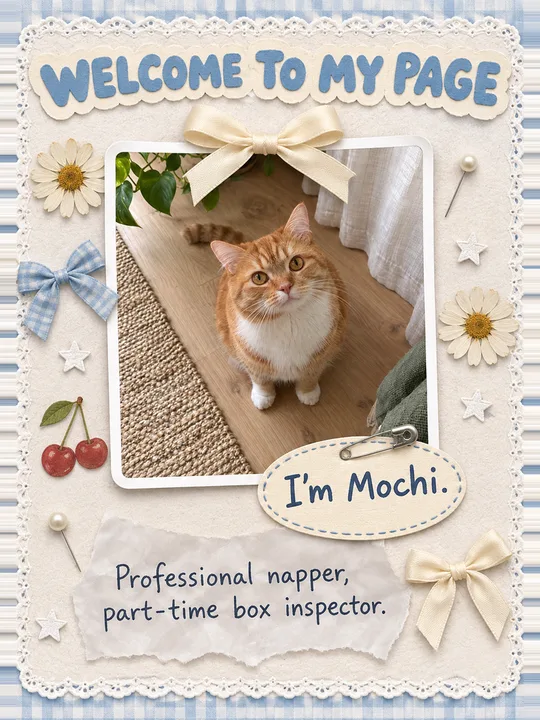
Welcome to my pageYour photo, made into a “welcome to my page” card.
Add a selfie or a pet photo and start with your name. Four cards are drawn for you to pick from. Sign in to make them: 30 credits for the four, and a new account starts with 60.
Three intros, three cards
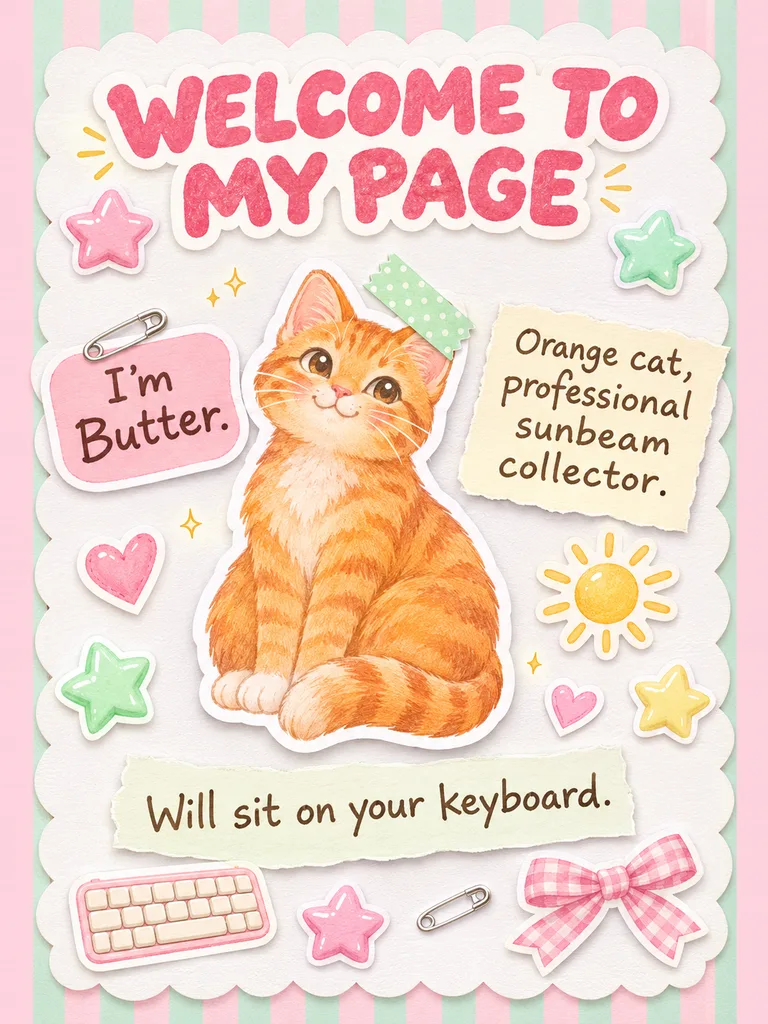
What went in: I’m Butter. Orange cat, professional sunbeam collector. Will sit on your keyboard.
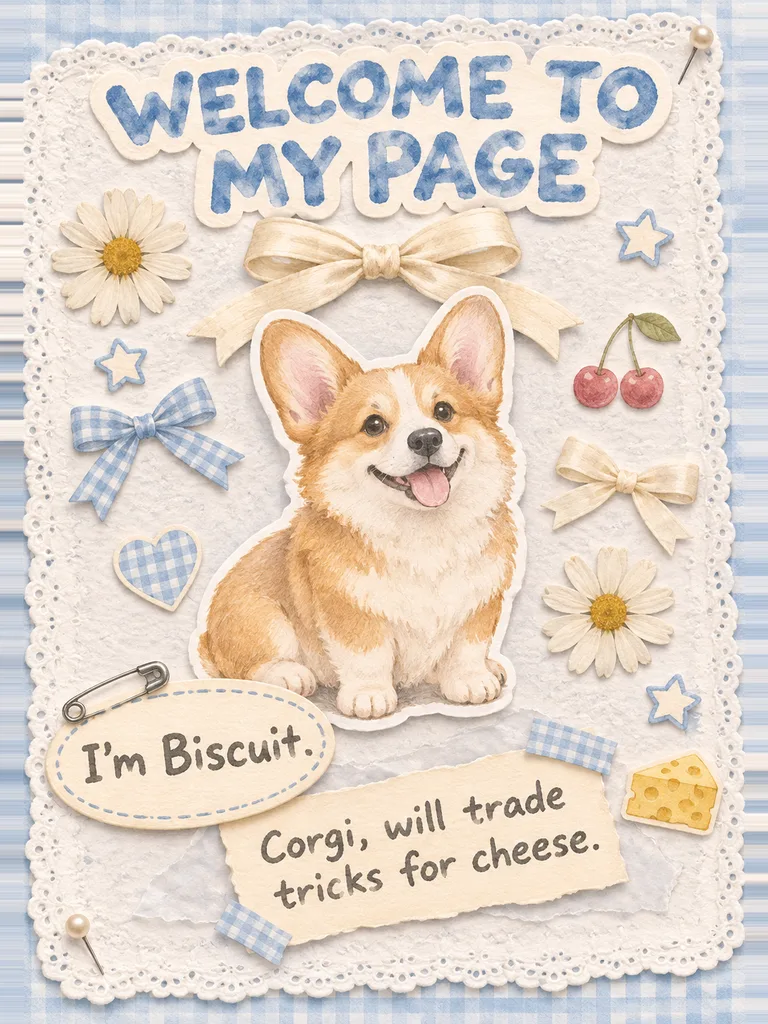
What went in: I’m Biscuit. Corgi, will trade tricks for cheese.
What went in: I’m Kai. Vinyl on Sundays. Mixtapes for my friends.

Questions and answers
What is the "Welcome to my page" trend?
A digital scrapbook intro from TikTok: your photo stuck on a striped card like a sticker, "Welcome to my page" above it, with stars, safety pins and an "I’m" name tag, used to open a first video and say who you are.
How do I make one?
Add one photo, a selfie, a full-length shot or your pet. Start the line with your name, like "I’m Mia.", then a sentence or two about what you love. Press Make: AI draws 4 intro cards, in candy stripes unless you switch to gingham & lace or soft Y2K first. Pick one and it comes apart into the photo, stickers and words you can move and change.
Can I make it without a photo?
Yes. Without a photo, an original little character or animal is drawn in the middle from what you wrote.
Can I make one for my pet?
Yes. Add your pet’s photo and start with its name, like "I’m Mochi.", for a pet intro card.
Is it free?
Drawing needs an account. 4 cards cost 30 credits, and taking one apart to edit it costs 30 more; eligible new accounts get 60 credits, enough for both once. If no card comes out, every credit goes back.
How do I use it in a video?
Download the card you picked as a portrait image and put it as the first frame in CapCut or any editor, or use it as a profile picture or a cover. Your photo is private unless you choose to share it.