




Tapeleaf

Weekly journal makerone spread for the whole week

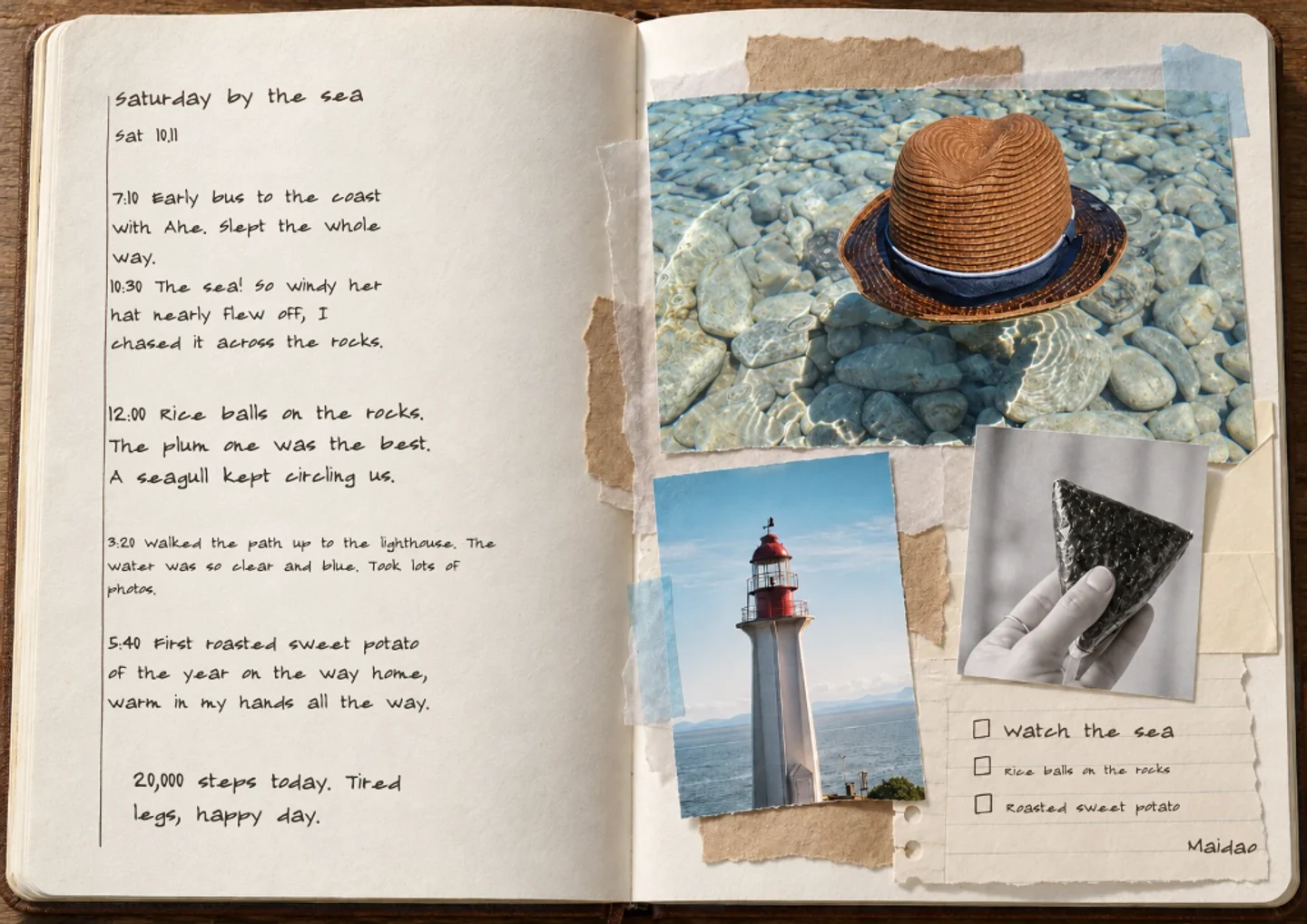
Add up to three photos and a few lines to make a weekly journal spread you can download as a PNG in a moment, with no account. Editing, saving and sharing are free, and a free account has 60 AI credits a month.

Photos and a line

Today’s prompt

What were the three best moments of this week?

Your photos1–3 photos · processed in your browser
Layout

Your photo journal preview

Preparing your preview…

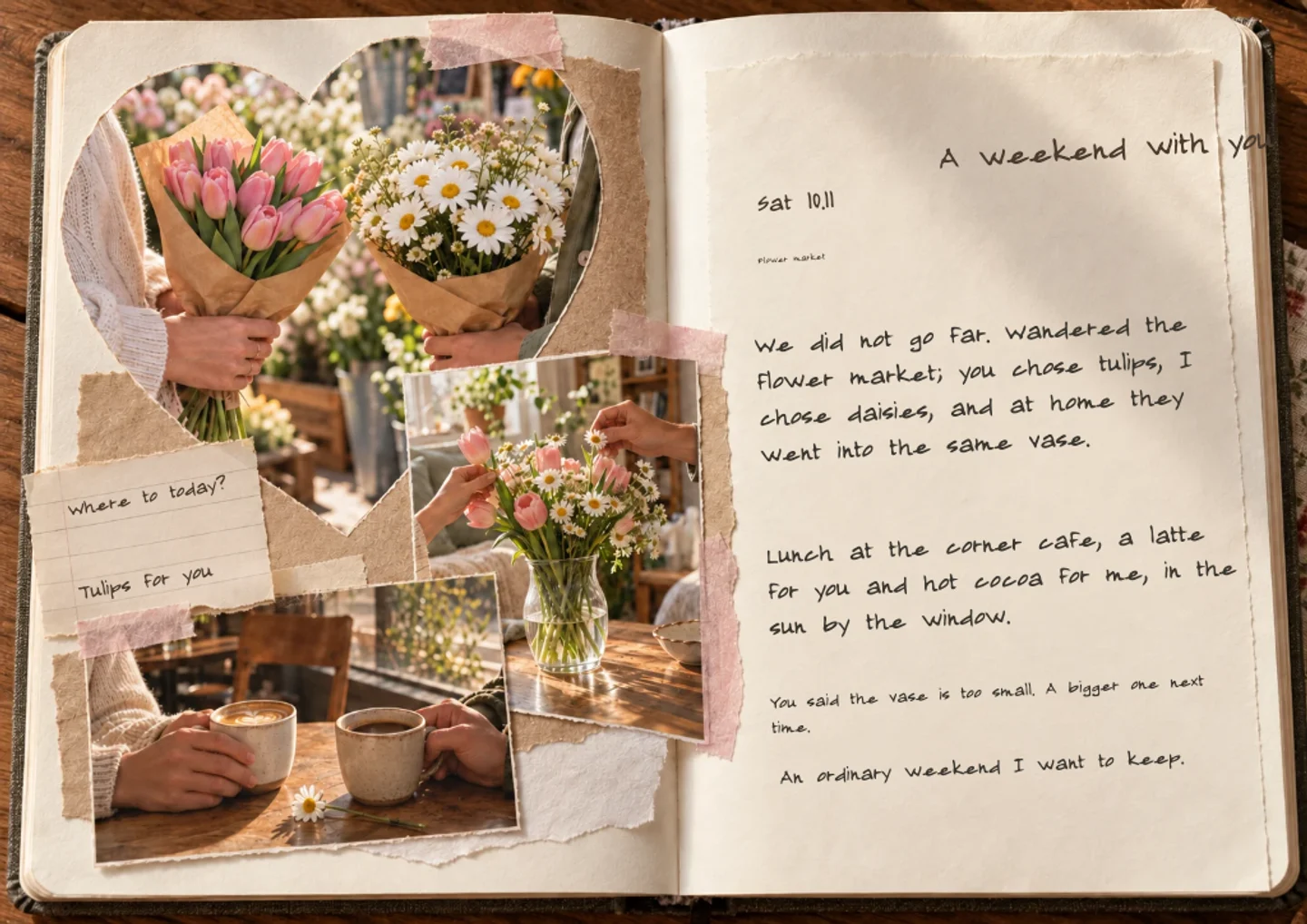
A little sea air, a good coffee, and time to notice the small things.

Preparing your preview…
Continue in editor

Automatic book layout uses AI credits in the editor. The free account plan includes 60 credits per month.

  • No account needed to make and download
  • Your photos stay private unless you share them
  • 60 free credits a month, refunded if a try fails

Try an example

How it works

  1. 1

    Add the week’s photos

    Up to three photos from the week and a few lines about it, or keep the sample first.

  2. 2

    Use the weekly page

    The weekly layout runs Monday to Sunday along a timeline with a photo grid and room for habits. Swap the prompt if it does not fit.

  3. 3

    Download or keep going

    Download the spread as a PNG, or continue in the editor to add a page for each week.

Weekly journal ideas

A Sunday review in ten minutes

On Sunday evening, scroll your phone for the three photos that best show the week and write one line for each. Add what went well and what you want next week to hold. Ten minutes once a week is easier to keep up than a daily habit, and fifty-two pages make a year.
A weekly journal for a project or a baby

Take the same photo each week, such as the garden, the baby’s hands or the progress on a build, and put it on the weekly page. Lined up in order, the pages show change that daily snapshots hide.

A weekly habit page

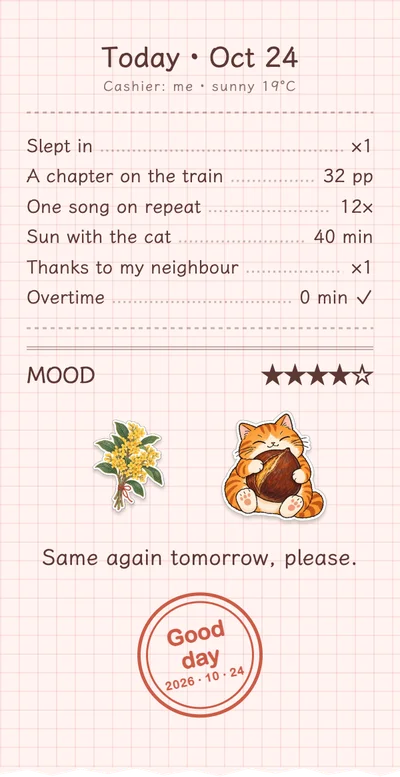
The weekly layout has space for a row of habit dots. Use it for the habit you are building, like walking, reading or an early night, and write a line about the week that got in the way.

A week away

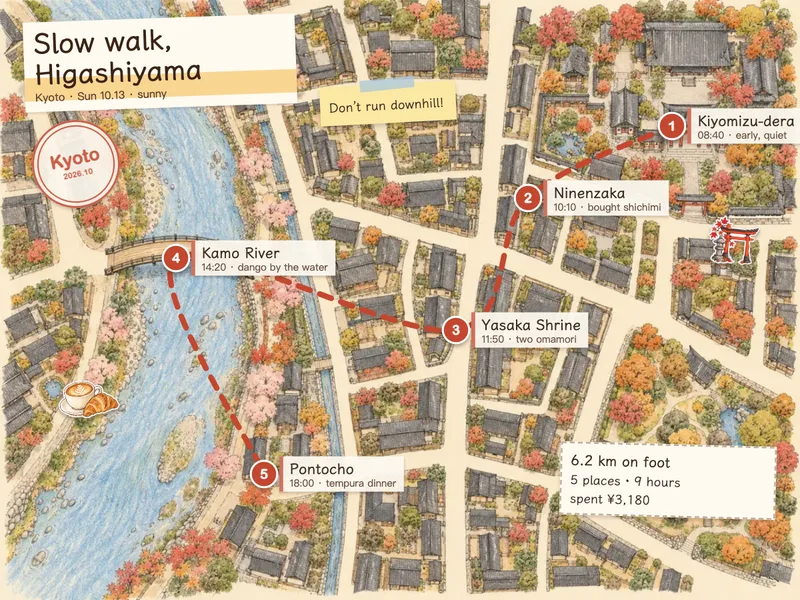
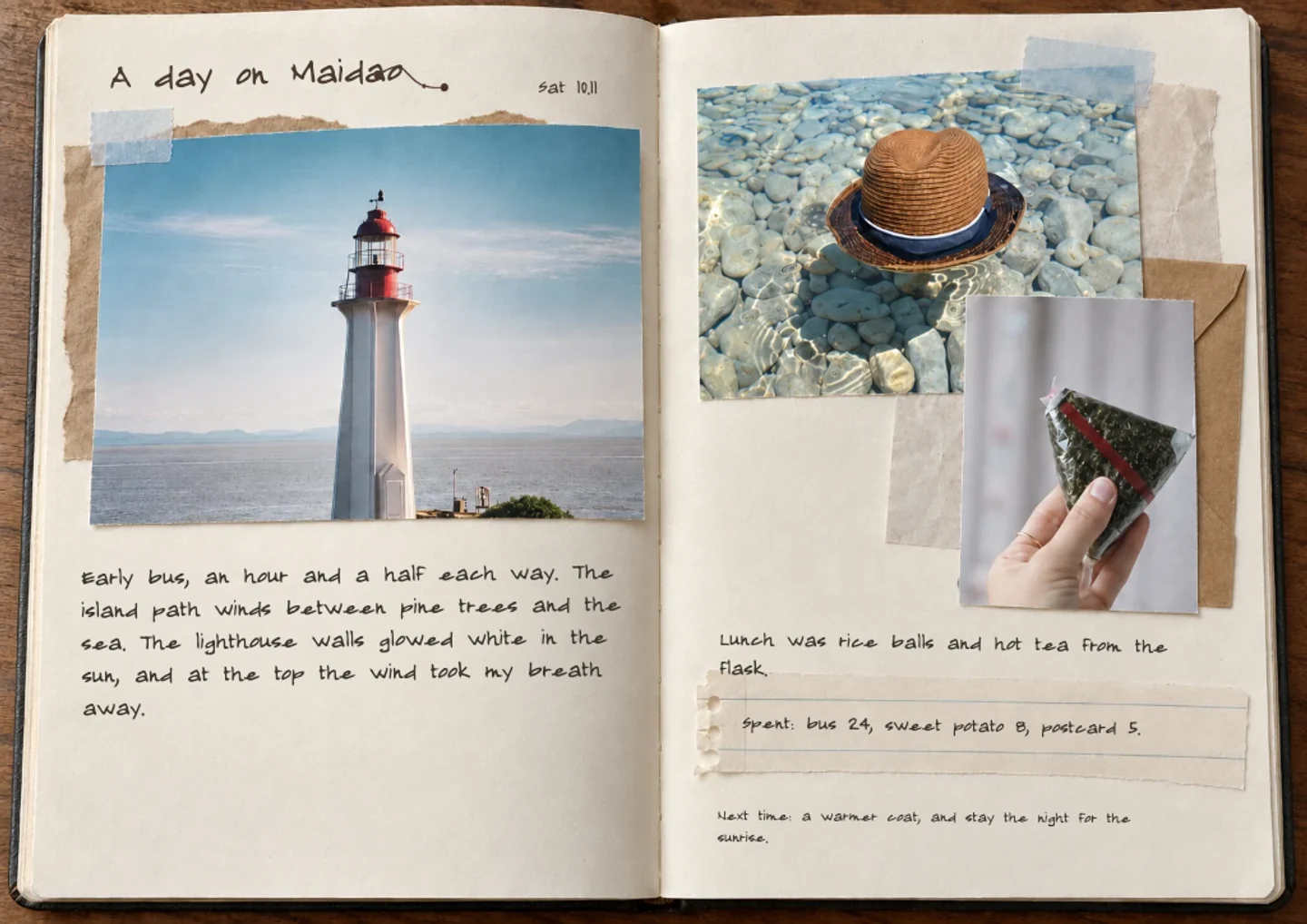
For a short holiday, one weekly spread can hold the whole trip: a photo for the place, the meal, the day that rained. It is quicker than a page per day and still tells the story.

Questions and answers

Is the weekly journal maker free?

Yes to start. Making a page, editing by hand, saving and sharing are free. AI features such as layout help and text drafts use credits, and a free account gets 60 credits every month. Paid membership gives a larger monthly allowance.

What does the weekly page look like?

It places Monday to Sunday along a timeline, with photos in a grid and a row of habit dots. The preview shows it with sample photos.

Do I need an account?

Not to try it. You can make a page and download a PNG without logging in. A free account lets you save pages and add a new one each week.

Can I make one page per week for a whole year?

Yes. A free account can keep up to 300 saved pages, with up to fifteen pages in one journal, which is enough for a year of weekly spreads across several journals. Paid plans raise those limits.

What can I export?

Each spread downloads as a PNG, and a whole journal can be exported as one picture per page or as a short self-playing video. There is no PDF or print export.

Does it work on a phone?

Yes. It runs in the browser on a phone, tablet or computer, and there is nothing to install.

Write your first page, free

No card needed · 60 free credits a month

Start writing, free