
Tapeleaf

Best scrapbook and journal apps (2026)Tapeleaf vs Canva, Day One, GoodNotes

Short answer: Tapeleaf is the quickest way to turn a few photos and a sentence into a finished journal or scrapbook page, with 60 free AI credits a month. Canva suits general design, Day One suits private writing, and GoodNotes suits handwriting on a tablet. The table shows where each one fits.

Tapeleaf, Canva, Day One and GoodNotes compared
TapeleafCanvaDay OneGoodNotes
Best forJournal and scrapbook pages from photos and a sentenceAny design, from posters to slides, with scrapbook templatesA private, dated diary with photosHandwritten notes on a tablet
AI writes the page from a sentenceYes: AI helps lay out the page and draft the wordsHas general AI design tools; not built around journal pagesNot its focus; built around entries you writeNot its focus; built around handwriting
Photo layout and collageYes: ten page styles, photos placed and trimmed for youYes: scrapbook and collage templates you arrange yourselfPhotos attach to entries; no designed collage pagesPhotos are placed by hand
Journaling and daily habitDaily and weekly pages with a daily writing promptPossible, but not designed for itYes: the core of the appPossible with a notebook you write in
Works in a browserYes, with nothing to installYesYes, alongside its appsBuilt for its apps; check its site for the web
Free tierYes: 60 AI credits a month, manual editing freeYes, with limitsYes, with limitsYes, with limits

Competitor columns describe each app’s main purpose in general terms. Features and plans change, so check each app’s own site before you choose.

Try the Tapeleaf maker
  • No account needed to make and download
  • Your photos stay private unless you share them
  • 60 free credits a month, refunded if a try fails

How to choose

  1. 1

    Decide what you want to keep

    Photos with a short story, a long private diary, or handwritten notes each point to a different app.

  2. 2

    Decide how much to do yourself

    If you want the page laid out for you, pick an app built around that. If you want full control of every element, a design tool fits better.

  3. 3

    Try one with your own photos

    Free plans let you test the result before you commit. The Tapeleaf maker needs no account.

Which app fits which job

Choose Tapeleaf for photo pages written from a sentence

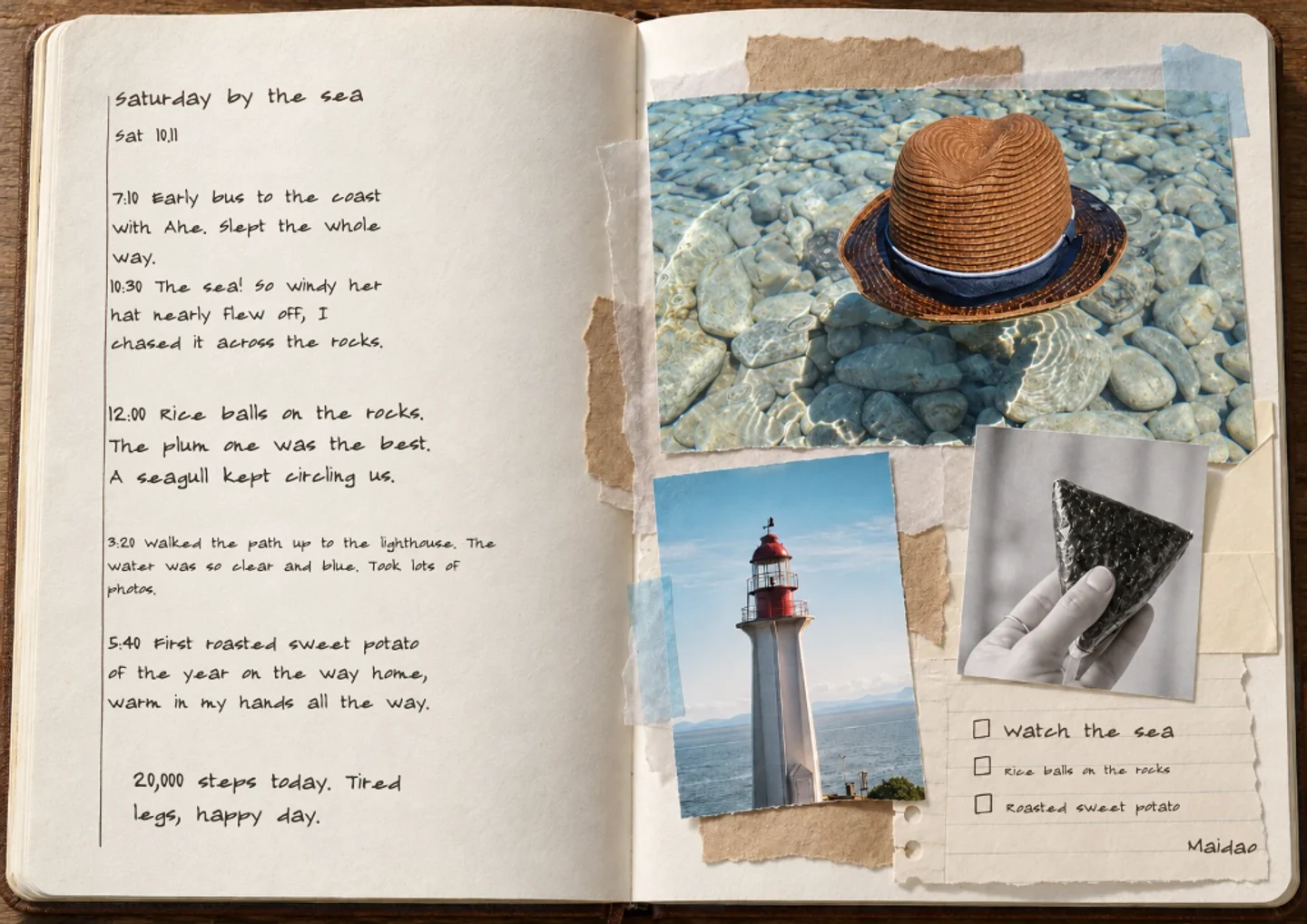
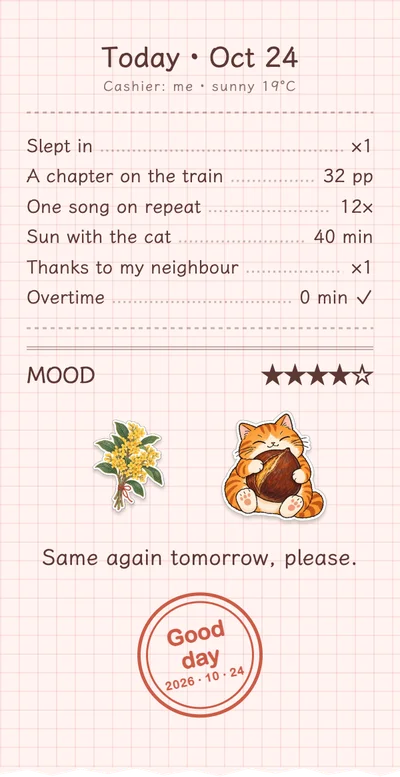
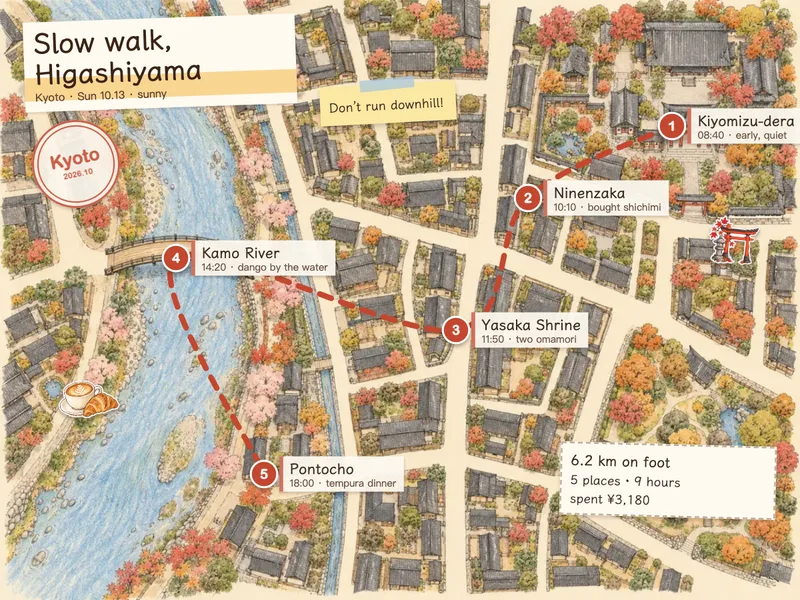
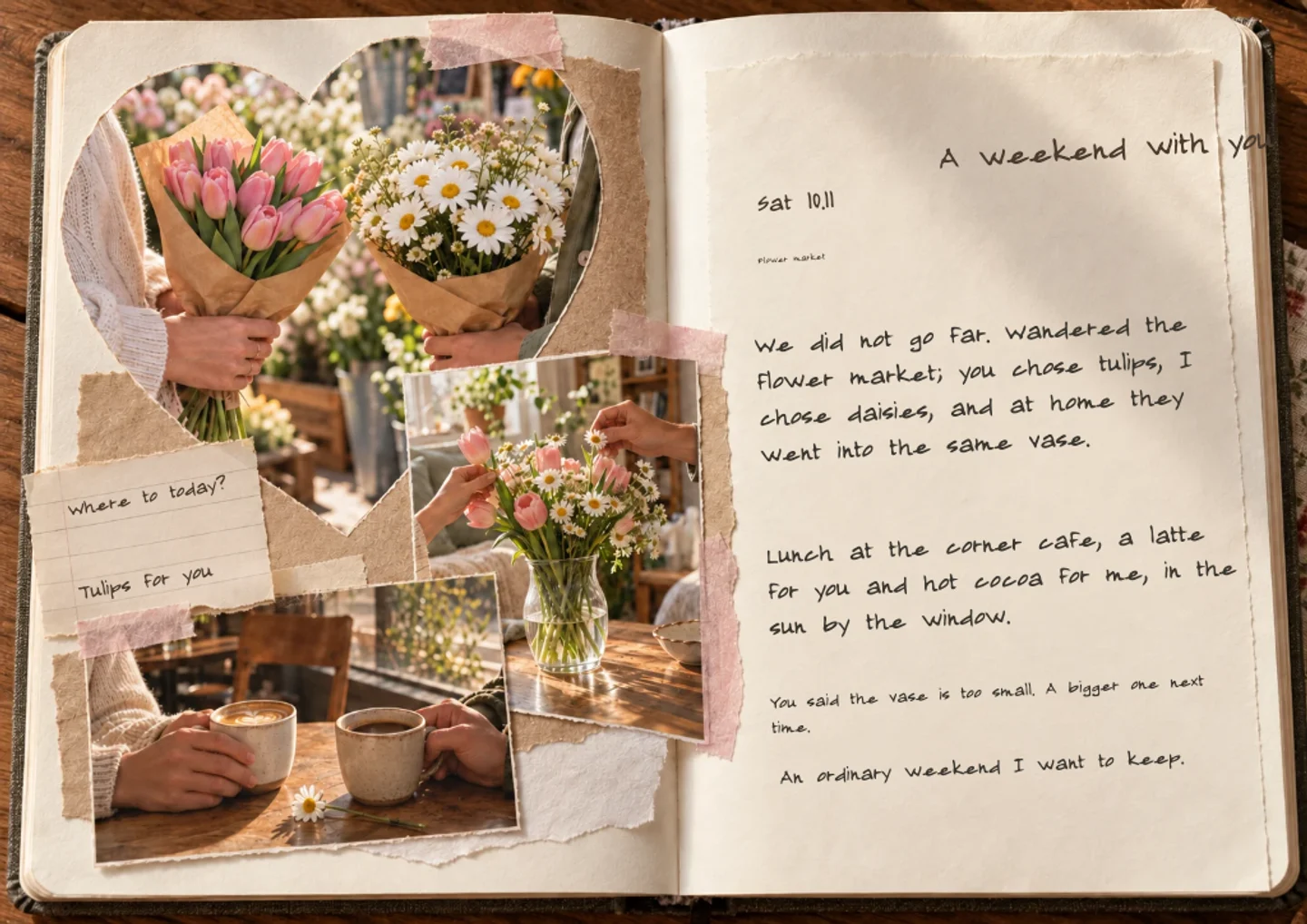
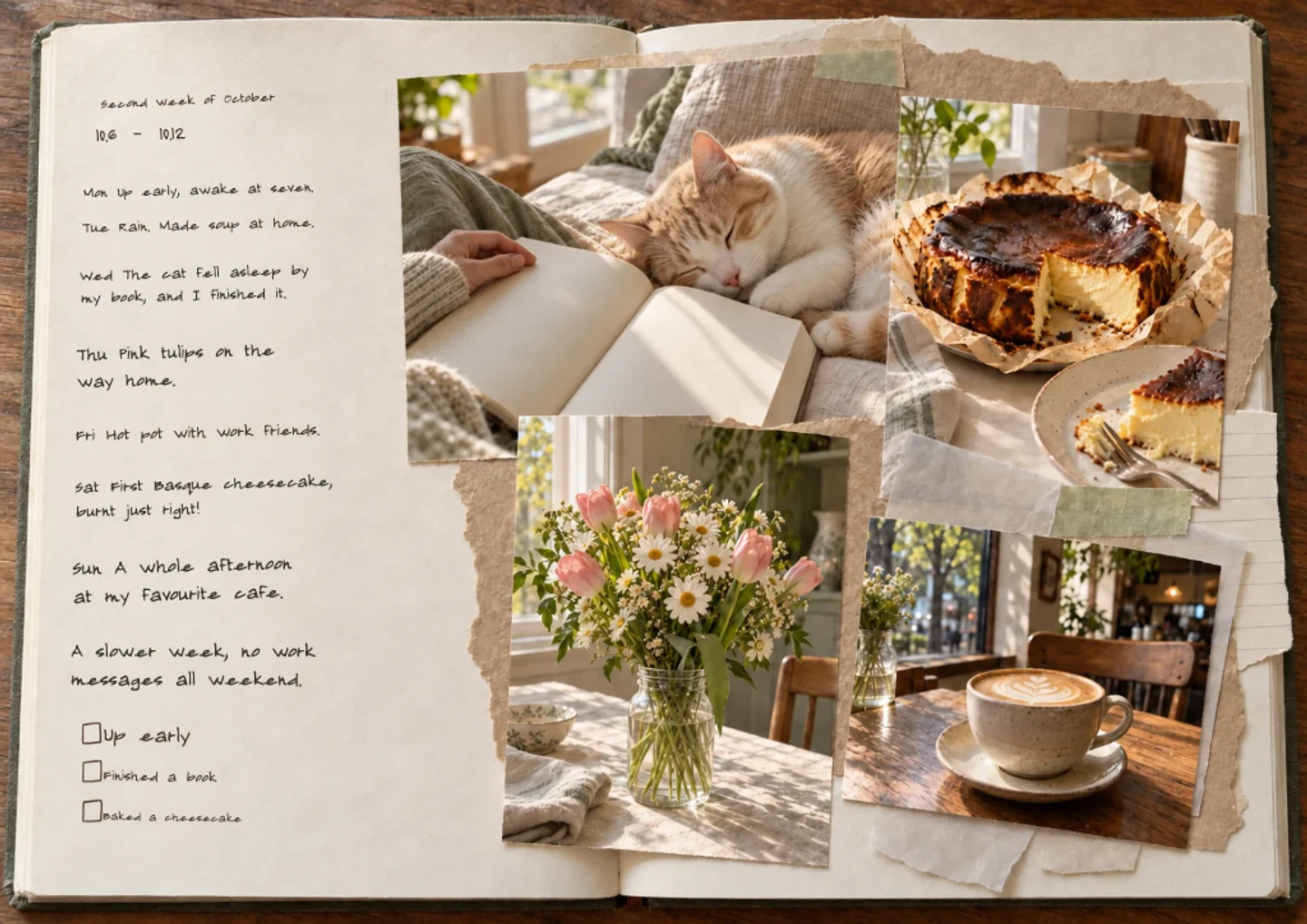
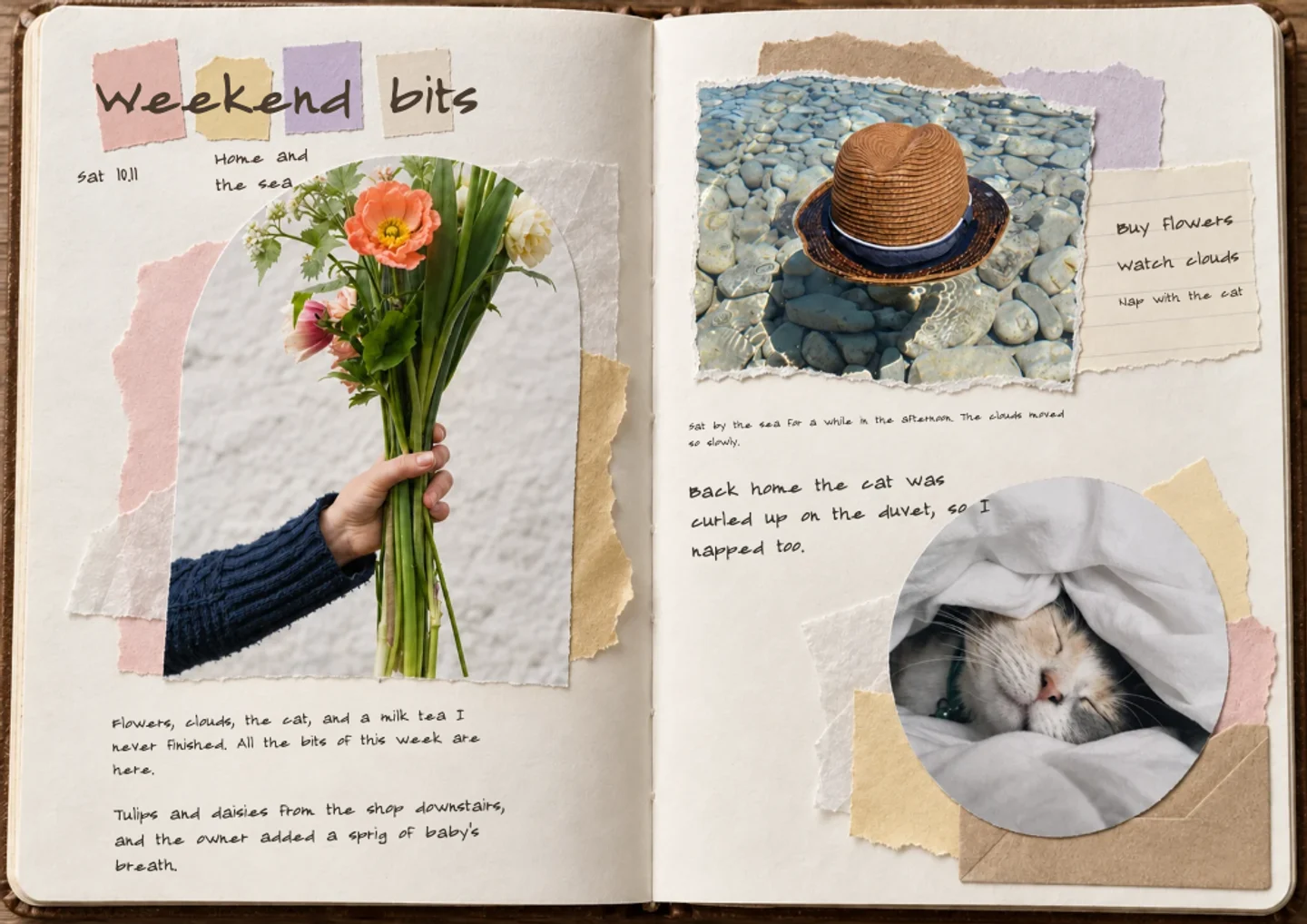
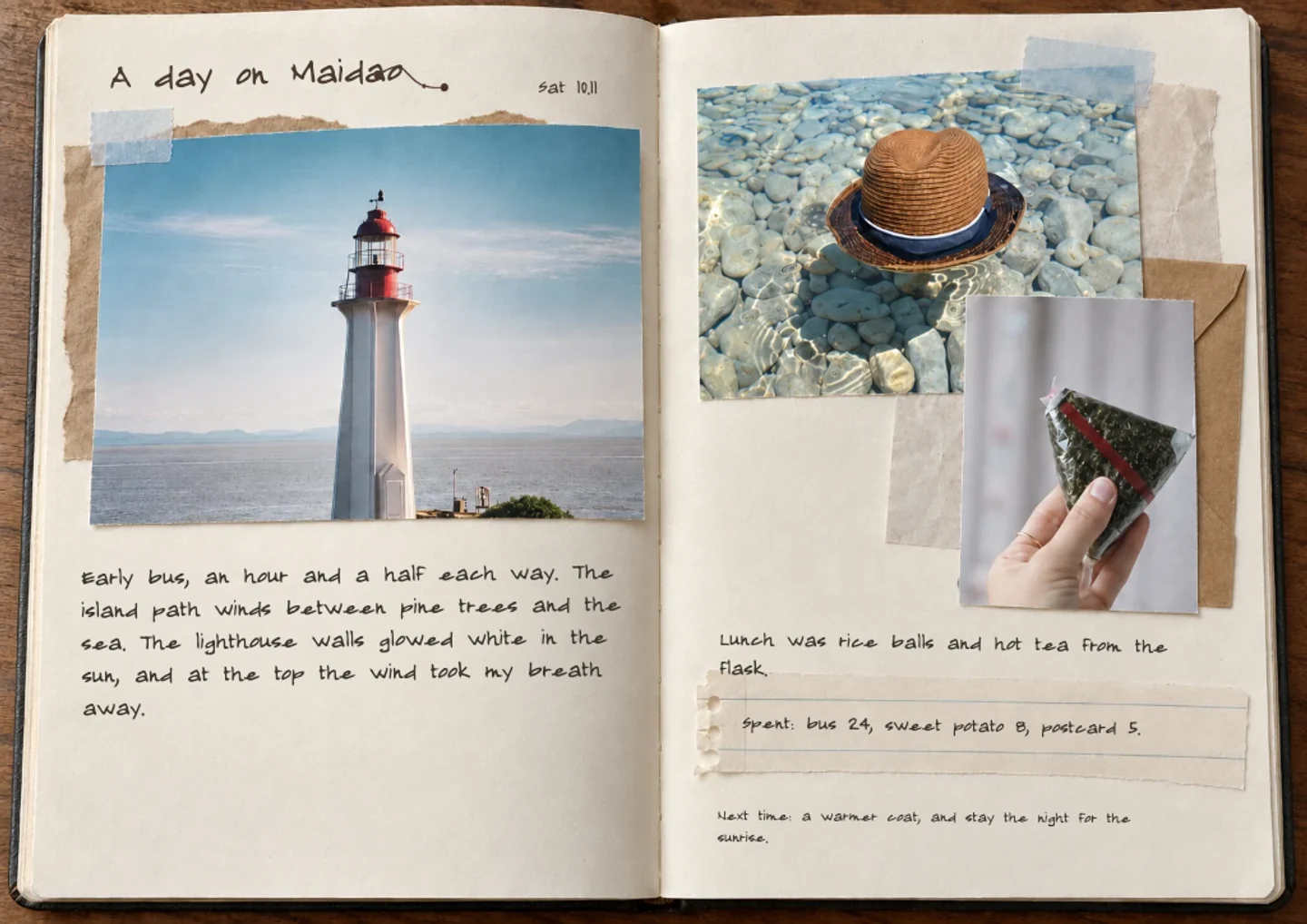
Tapeleaf is built for one job: a few photos and a line of text become a laid-out journal or scrapbook page, in ten page styles such as daily, weekly, travel, collage and love. It runs in the browser, and a free account gets 60 AI credits a month. It is not a general design tool, and it does not try to be a long-form diary.
Choose Canva for any kind of design

Canva is a general design tool: posters, presentations, social posts and invitations, with scrapbook and collage templates among them. If you want to control every element, or you also make other kinds of design, Canva is the better pick. You arrange the page yourself rather than describing it.

Choose Day One for a long-running private diary

Day One is a journaling app centred on dated entries, with photos attached to each one. If your habit is writing every day, mostly in words, and you want an entry-by-entry archive, Day One is the better pick. It is not built to lay out collage pages.

Choose GoodNotes for handwriting

GoodNotes is a handwritten note-taking app made for writing with a pen on a tablet, popular for notes, planners and PDFs. If you want to write and draw by hand, GoodNotes is the better pick. You place photos on the page yourself.

Questions and answers

What is the best app for making a scrapbook from photos?

It depends on how much you want done for you. Tapeleaf lays out a page from your photos and a sentence, Canva gives you templates and full control to arrange yourself, and Day One and GoodNotes are built for diary entries and handwriting. The table above compares them.

Is Tapeleaf free?

Yes to start. Making a page, editing, saving and sharing are free, and a free account gets 60 AI credits a month. Paid membership plans give a larger monthly allowance. If an AI step fails, the credits are returned.

Does Tapeleaf work in a browser or do I need an app?

It works in the browser on a phone, tablet or computer. There is nothing to install, and you can make a page and download a PNG without an account.

What can I export from Tapeleaf?

PNG images, one portrait picture per page, and a short self-playing video of the journal. There is no PDF or print export.

Can I use Tapeleaf together with Canva, Day One or GoodNotes?

Yes. A Tapeleaf page downloads as an image, so you can put it into a Canva design, attach it to a Day One entry or place it on a GoodNotes page.

How accurate is the comparison?

It describes what each app is mainly built for, in general terms. Apps change their features and plans, so check each app’s own page before you decide.

Write your first page, free

No card needed · 60 free credits a month

Start writing, free