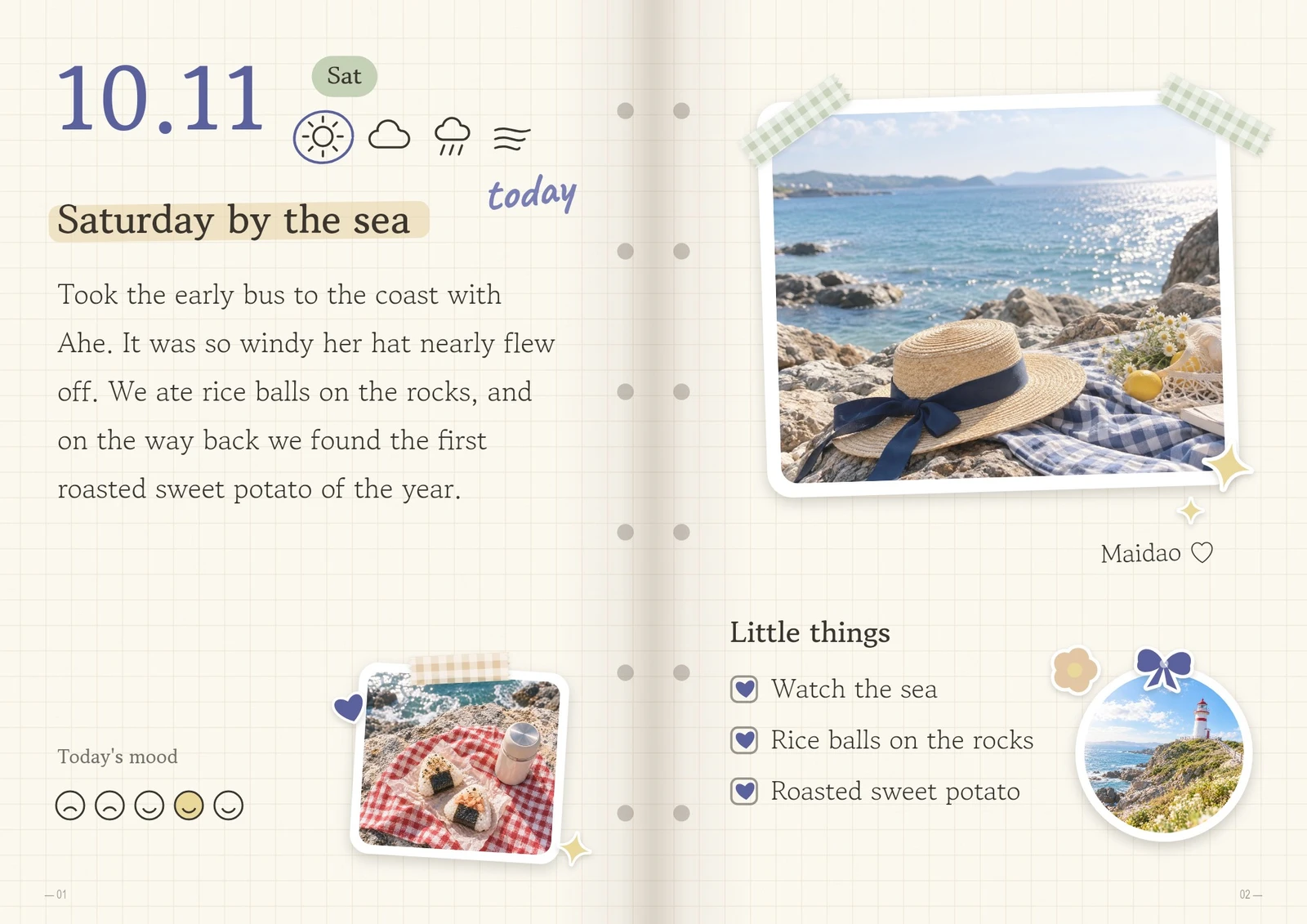
How to start a digital journal: a beginner’s guide

A digital journal is a journal you keep on your phone, tablet or computer: photos, a few lines and some decoration, page by page. It has what a paper journal has, the habit and the keepsake, without the scissors, the glue or the fear of ruining a page. Most people who give up do so because they started too big. Start small and it sticks.
This guide covers what to keep, how often, which kind of app fits which kind of journal, and how to make your first page today.
Decide what you are keeping
A journal is easier to keep when you know what goes in it. Pick one to start with:
- A daily journal: one photo and a few lines about the day.
- A weekly journal: a spread for the week, only the days that had something in them.
- A travel journal: one page for each day of a trip.
- A memory journal: birthdays, anniversaries, a child’s year, one page each time.
You can mix them later. At the start, one kind keeps the decision simple when you sit down to write.
Pick a rhythm you can keep
Daily sounds right and fails fast. A weekly page, or a page whenever something happens, is easier to keep up for months. Missing a day is fine; write the days you want to. What matters is coming back, not a perfect streak. If you do want a daily habit, a short writing prompt removes the “what do I write” problem.
Make your first page in ten minutes
- Pick one or two photos from today or this week. One clear subject is easier to lay out than a busy scene.
- Write one to three lines: what happened, what someone said, how it felt.
- Add the date, and the place if it matters.
- Add one or two stickers or a strip of tape. Stop there: the photos and words are the point.

Which kind of journal app fits
Journal apps fall into a few kinds, and the right one depends on what you enjoy doing:
- If you love arranging every sticker yourself, a notes app with stickers and templates, such as GoodNotes on an iPad, gives you full control and takes the most time.
- If you mostly write, a writing-first app such as Day One keeps text, dates and photos in a timeline, with little decoration.
- If you want finished pages from your photos and a line, then to adjust them, an app that draws the page first suits you. That is what Tapeleaf does.
There is a side-by-side table on our app comparison page. Whatever you choose, pick one that works on the device you actually carry.
Starting a digital journal with Tapeleaf
Our digital journal runs in the browser, on your phone or your computer, with nothing to download. Add a few photos and a line; four journal pages are drawn in different styles. Pick one and it comes apart into photos, stickers and words you can move and change, then keep it in your journal and carry on another day, from another device if you like.
- For a daily habit, the photo journal has 30 writing prompts, one for each day of a month.
- For a week on one spread, the weekly journal lays out only the days you wrote about, and has free blank weekly templates to print or import into a notes app.
- A free account keeps 15 pages a journal and 300 pages in all; a membership allows up to 60 pages a journal.
Editing, saving and sharing are free. Without an account you get one free try of the AI pages; after that, four pages cost 30 credits and taking one apart another 30, and new accounts get 60 credits.
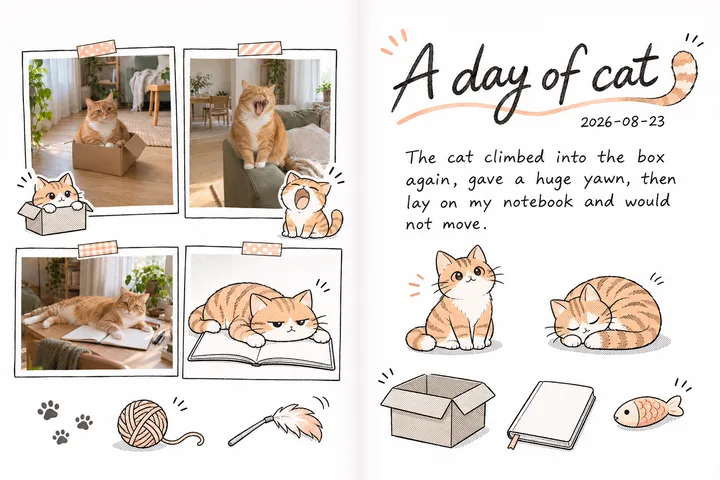
Keeping it going
- Keep the bar low: one photo and one line still counts as a page.
- Write close to the moment; details fade within days.
- Look back once a month. Reading old pages is what makes the habit worth it.
- For a trip, try one page a day.
Make one page today, even a small one. A journal is just the first page, kept going.